Guide
Fix missing samples
A set that has lost its samples opens in Live with “Media files are missing”. livesaver finds the files again by what they are, puts them into the project, and points the set at them, for every project at once.
What a scan finds
Every sample a set uses is in one of these states:
| State | What it means | What a fix does |
|---|---|---|
| In the project | where it belongs | nothing |
| In a pack or in Live | in an installed pack or the Core Library | nothing: it stays in its pack |
| Outside the project | the file exists, but elsewhere on your disk | copies it into the project |
| Found elsewhere | missing where the set says, found in a folder that was searched | copies it into the project and repairs the reference |
| Not found | no file of this name is in the folders that were searched | nothing: it stays missing |
| Several candidates | several files of this name fit, with different audio | nothing: livesaver does not guess |
| Different content | a file of this name was found, but it is not the same audio | nothing |
A set is Complete when all its samples are fine, Can be fixed when a fix completes it, and has Samples missing when some stay missing after a fix. A file that is not a Live Set at all is Unreadable.
How a sample is recognised
A set stores, for every sample, its size and a checksum over its first 16 KB. livesaver computes the same checksum as Live does, so it recognises a file wherever it lies and whatever it is called now. The name alone is never enough: two files called Kick.wav are rarely the same kick.
See Fingerprints for the details.
Review and fix
Press Review and fix on the overview. Nothing is written before the third step.
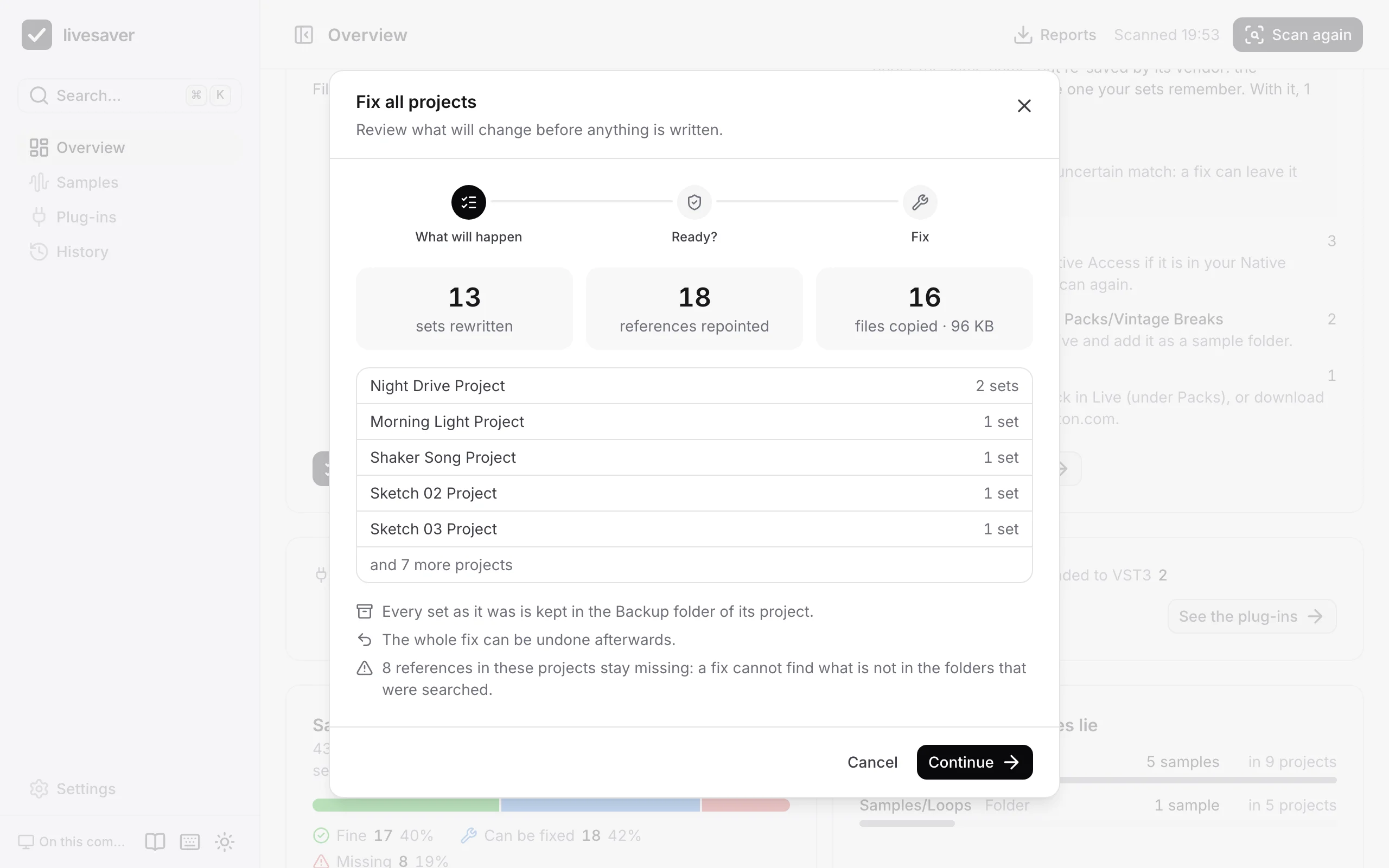
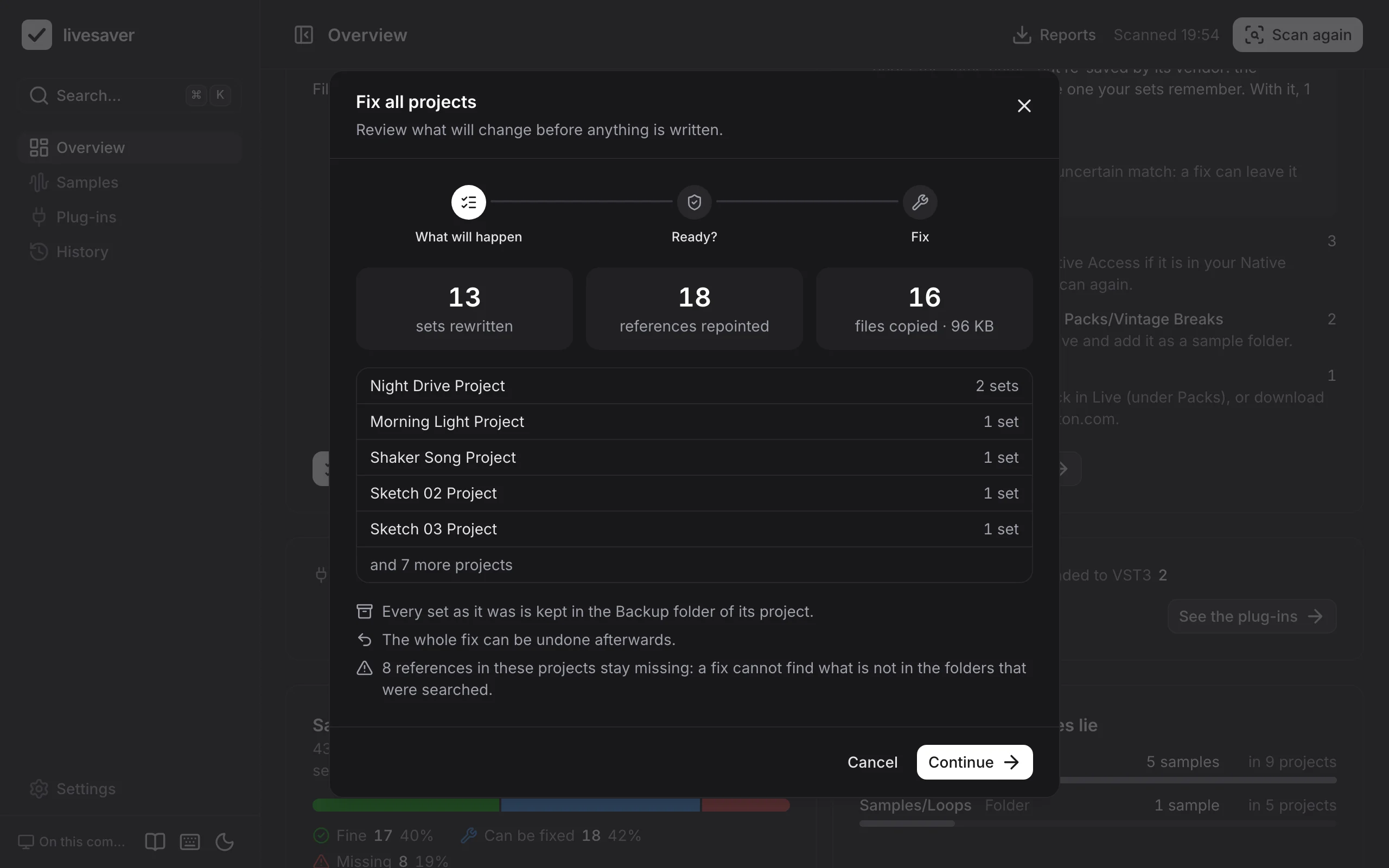
- What will happen: how many sets are rewritten, how many references are repointed, how many files are copied and how large they are, per project.
- Ready? Live has to be closed, so that no open set is overwritten under it, and there has to be room for the copies.
- Fix, then what it did, with its undo.
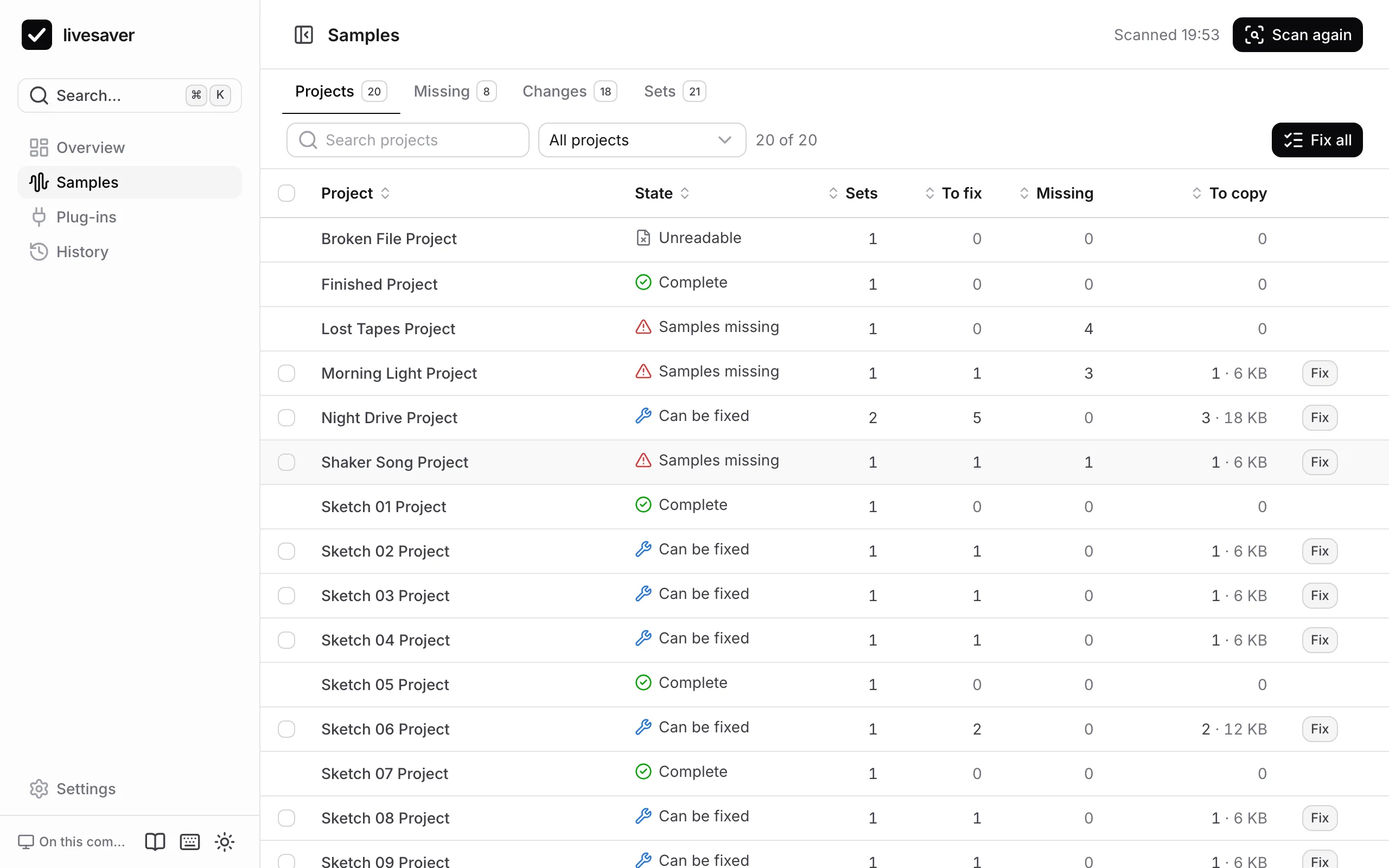
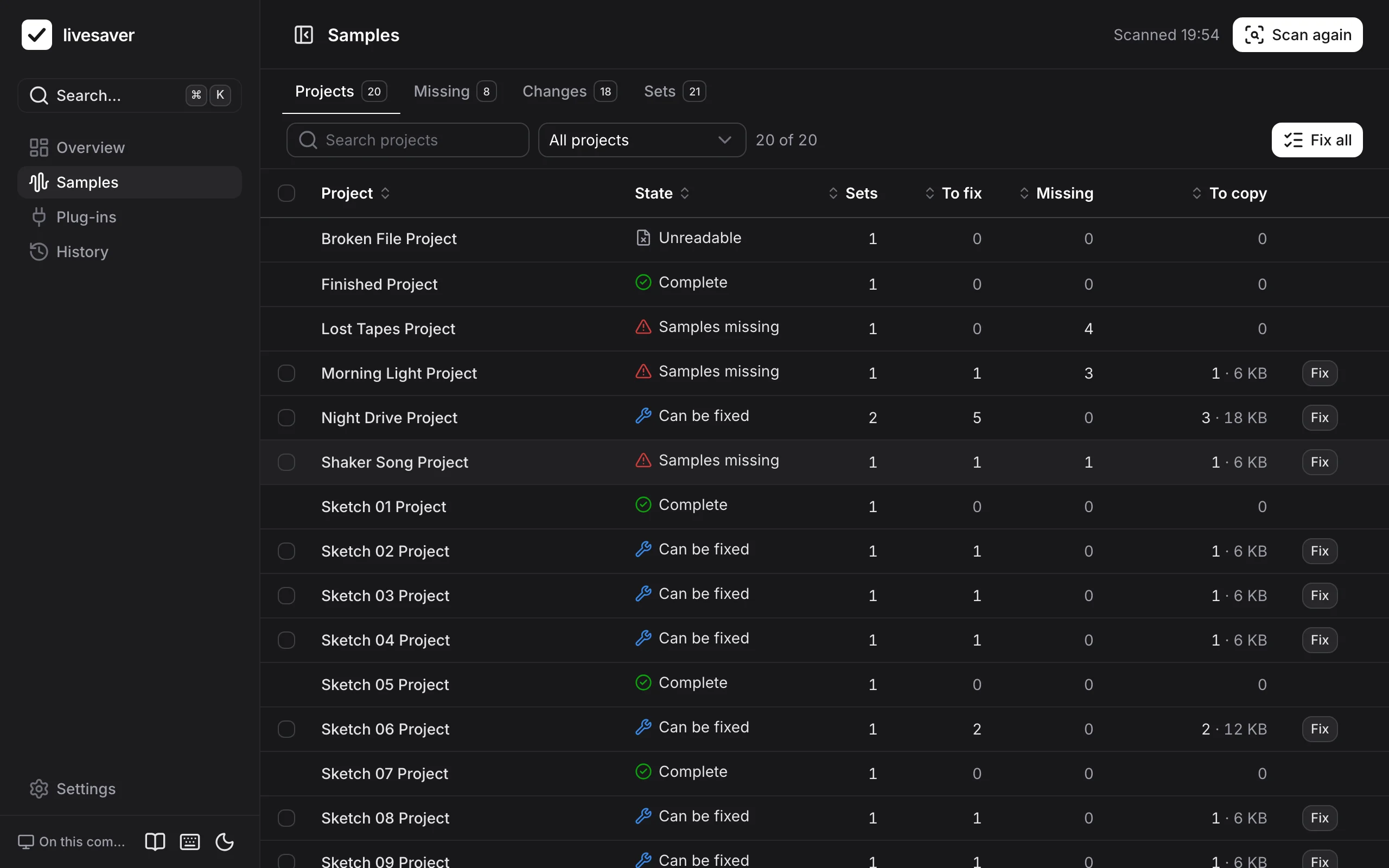
You can fix all projects, one (the Fix button on its row, or in its panel), or a selection (tick the projects, then Fix selected).
What a fix does on your disk
A fix does what Live's Collect All and Save does, for every project:
- A sample from outside the project is copied to
Samples/Importedin the project, with its analysis file (.asd). A Max for Live device goes to the project'sPresetsfolder. - The set is rewritten to point at the copy. Only the bytes of the references change; everything else in the set stays as Live saved it. In Finder the set then shows the date of the fix.
- Before that, the set as it was is copied to the project's
Backupfolder, named with date and time, as Live names its own backups. - A file of a pack or of the Core Library that is larger than 50 MB is not copied: the set points at it in the pack. You can change that limit in the settings.
Uncertain matches
Most files are confirmed by their fingerprint. A few are not, and livesaver says so:
- a file of an Ableton pack that was found by its name and size alone,
- a library file with other tags than the one the set remembers, which you can allow in the settings (“Also accept a library file with another fingerprint”).
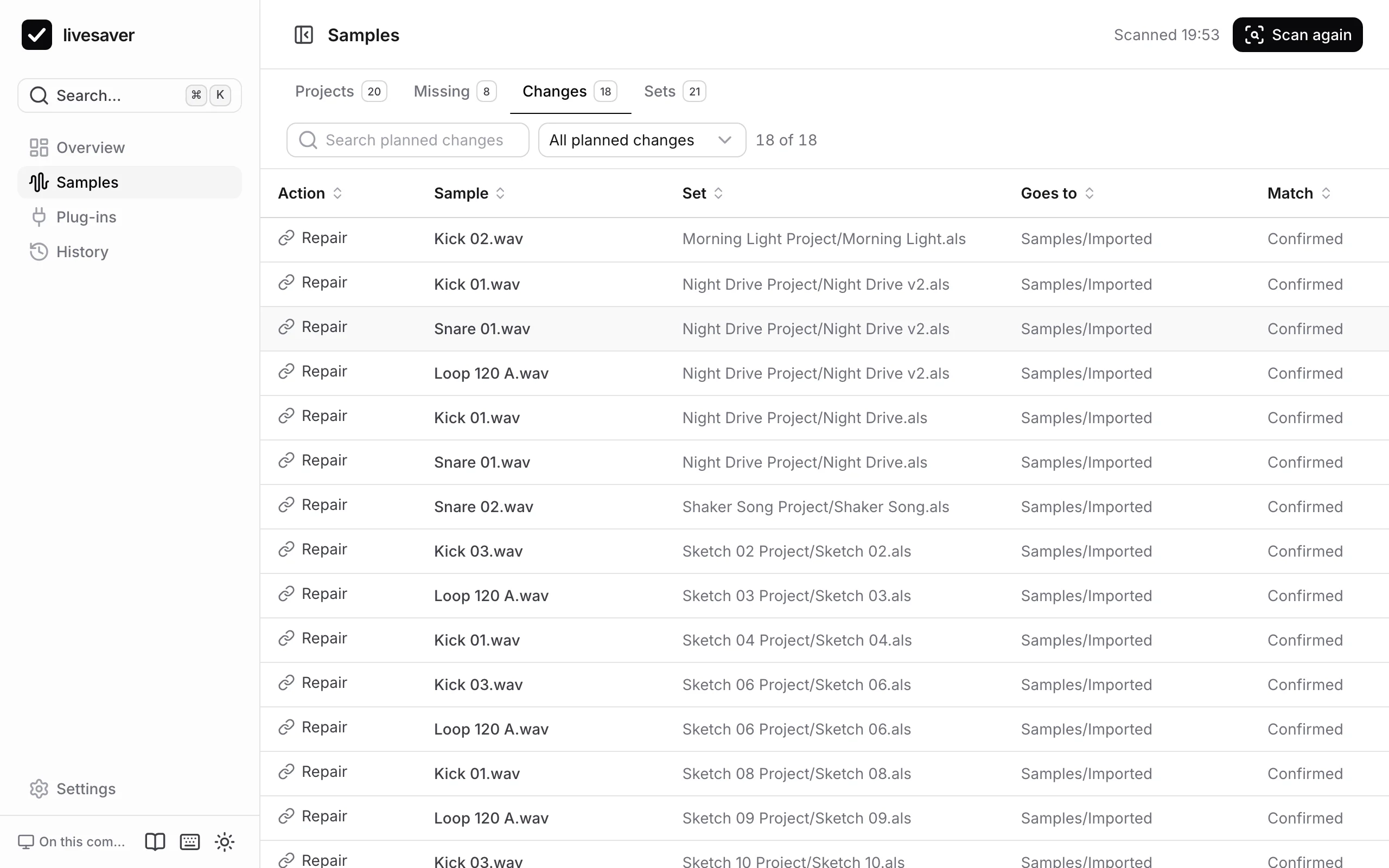
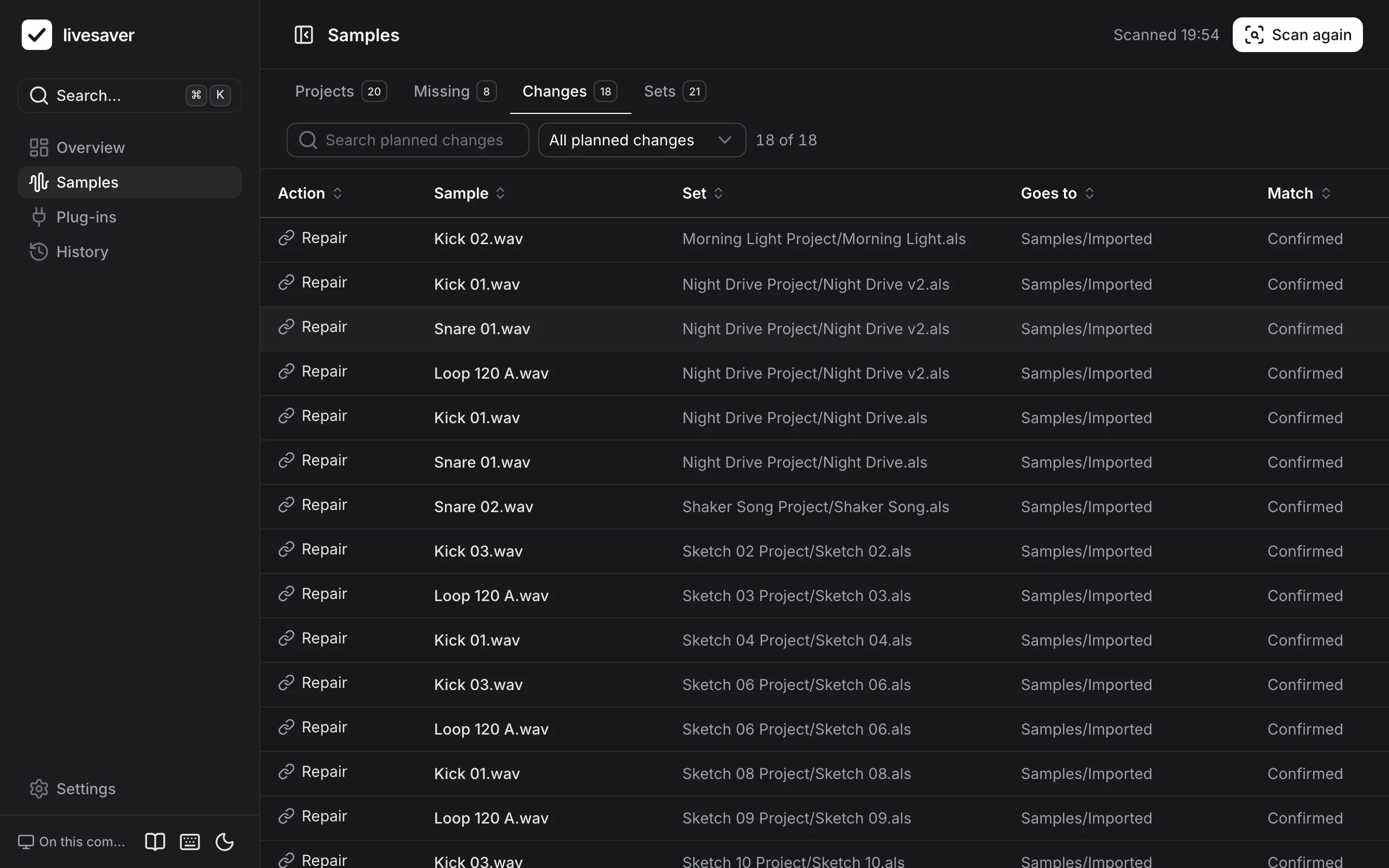
In the review, a switch leaves the uncertain matches out. Those samples then stay missing, and you can decide later. If you keep them in, listen to those sets after the fix; the Changes tab shows which they are.
Take it back
Every fix can be undone: from its result, from the overview, and from the History, also days later.
The same on the command line
# read-only: what is missing, what a fix would do
livesaver doctor ~/Music/Projects

# a dry run, with reports
livesaver collect ~/Music/Projects

# the fix (quit Live first)
livesaver collect ~/Music/Projects --apply
--certain-only leaves the uncertain matches out, and --match-library-path accepts library files by their name and place. See The command line.
Old saves of a song
A project often keeps the first save of a song beside the newer ones: Song.als from Live 9, and Song 2.als, Song 3.als from the Live of today. If the old save misses a sample, the project counts as incomplete, although the song you work on is fine.
Leave out sets of older Live versions, among the options of the library, takes such sets out of a scan: a set that was last saved with Live 9 or older (or 10, or 11) is not checked, not listed and not fixed. The overview says how many sets were left out. On the command line it is --min-live 10.
A set that is left out is not touched by a fix either, so it stays as it was saved.
Getting started
livesaver finds the samples your Ableton Live sets have lost, collects them into their projects, and shows which plug-ins are missing. This page takes you from nothing to your first scan.
When samples stay missing
A fix can only find what is in the folders it searches. What stays missing is listed by where it came from, because what helps differs: a pack is installed again, an old drive is plugged in, a folder is added.