Guide
History and undo
Everything livesaver changes is written down as a run: what it was asked, every step it took, and the original of every set it rewrote. That is what makes an undo possible, also weeks later.
The history
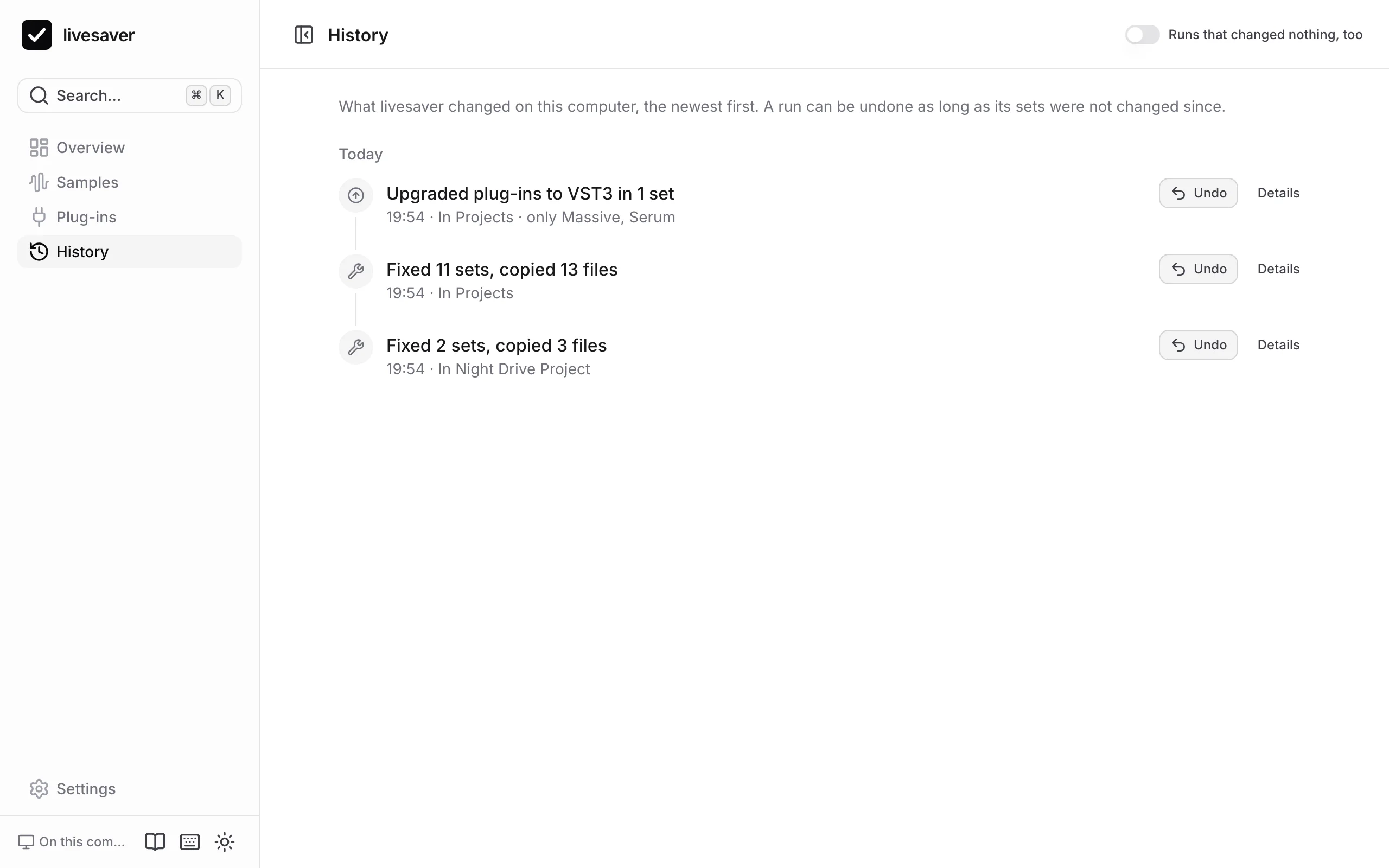
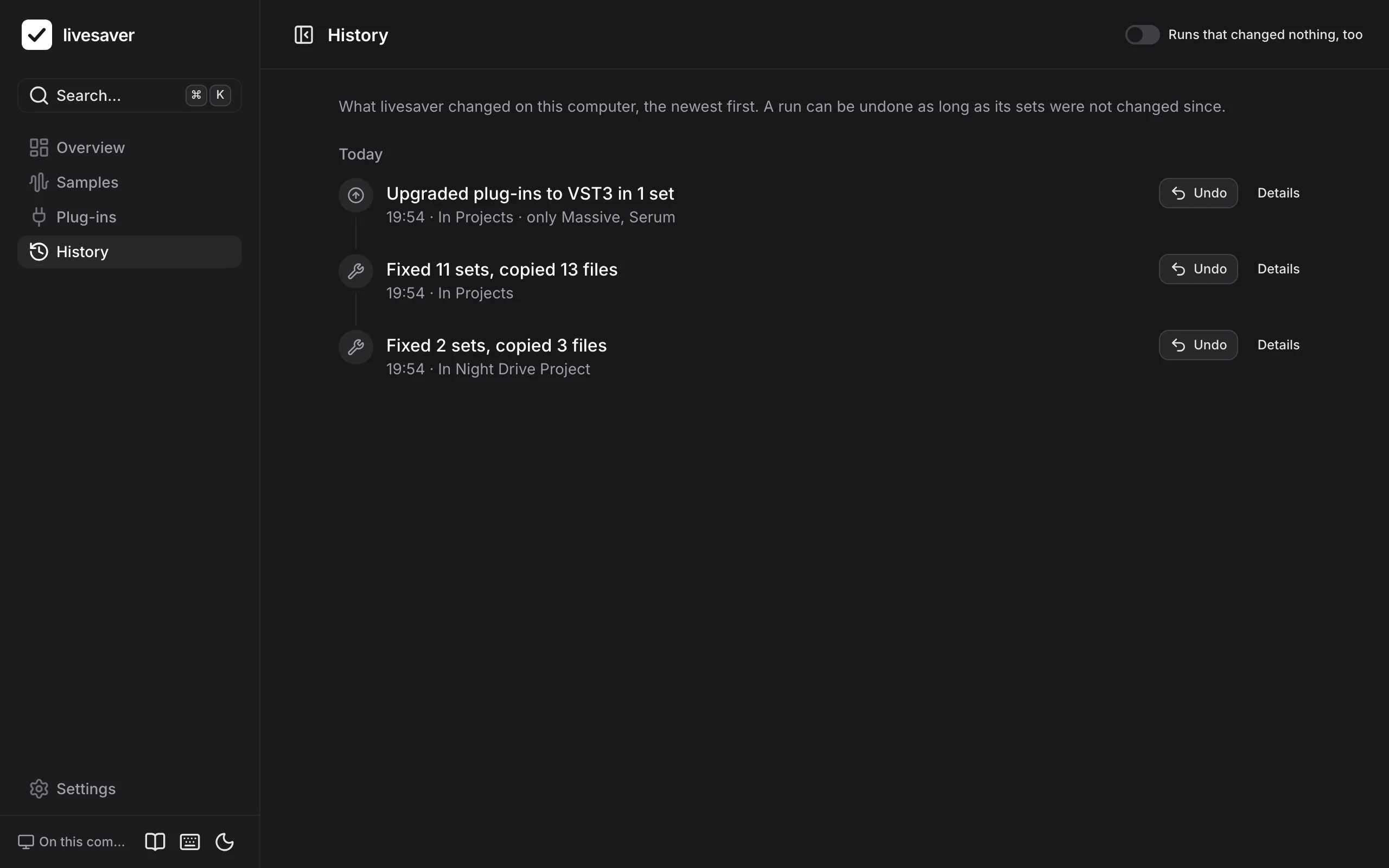
History lists every run that changed something, the newest first: fixes, upgrades of plug-ins, and what the command line did. Switch on Runs that changed nothing, too to see the plans and reports as well.
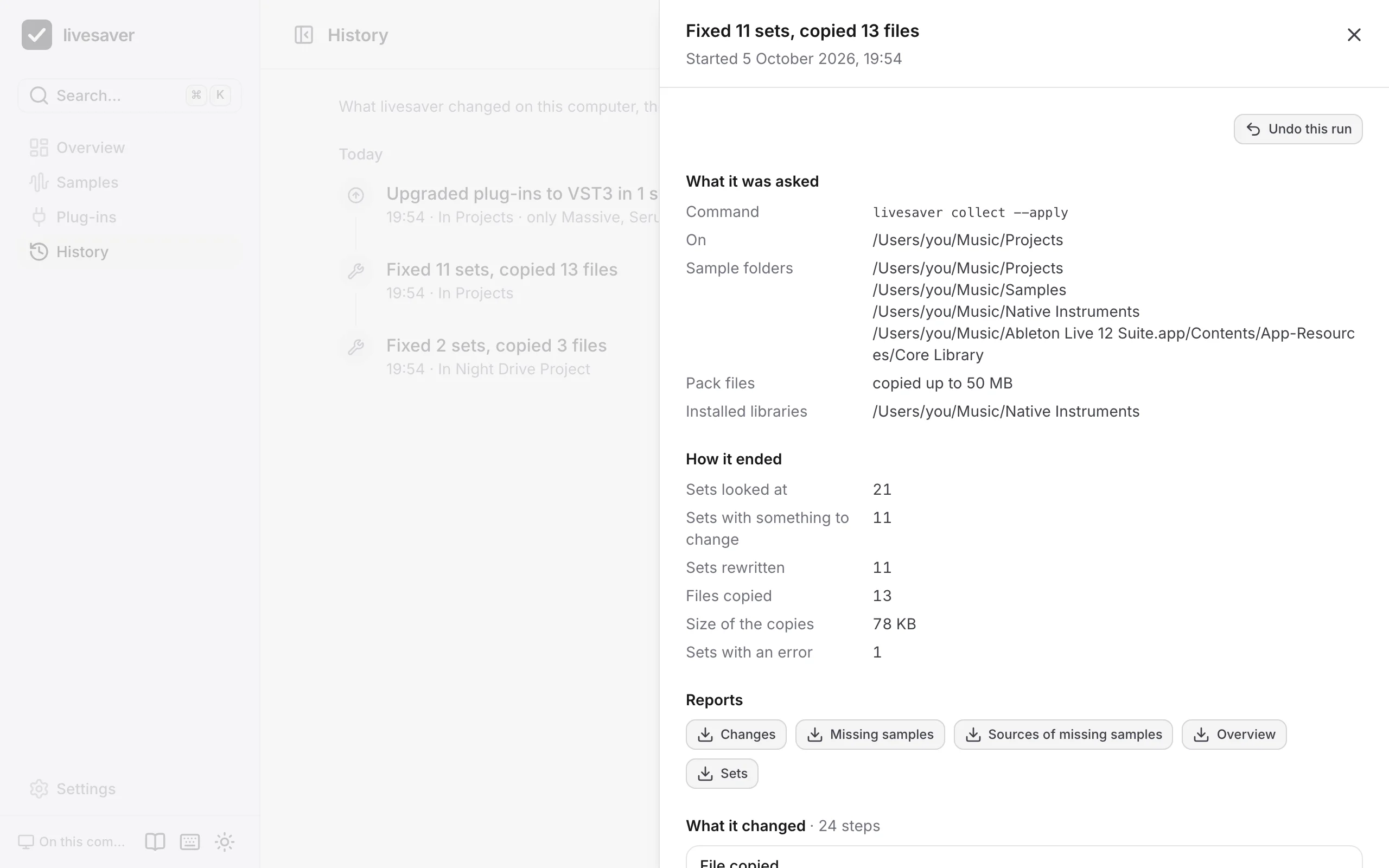
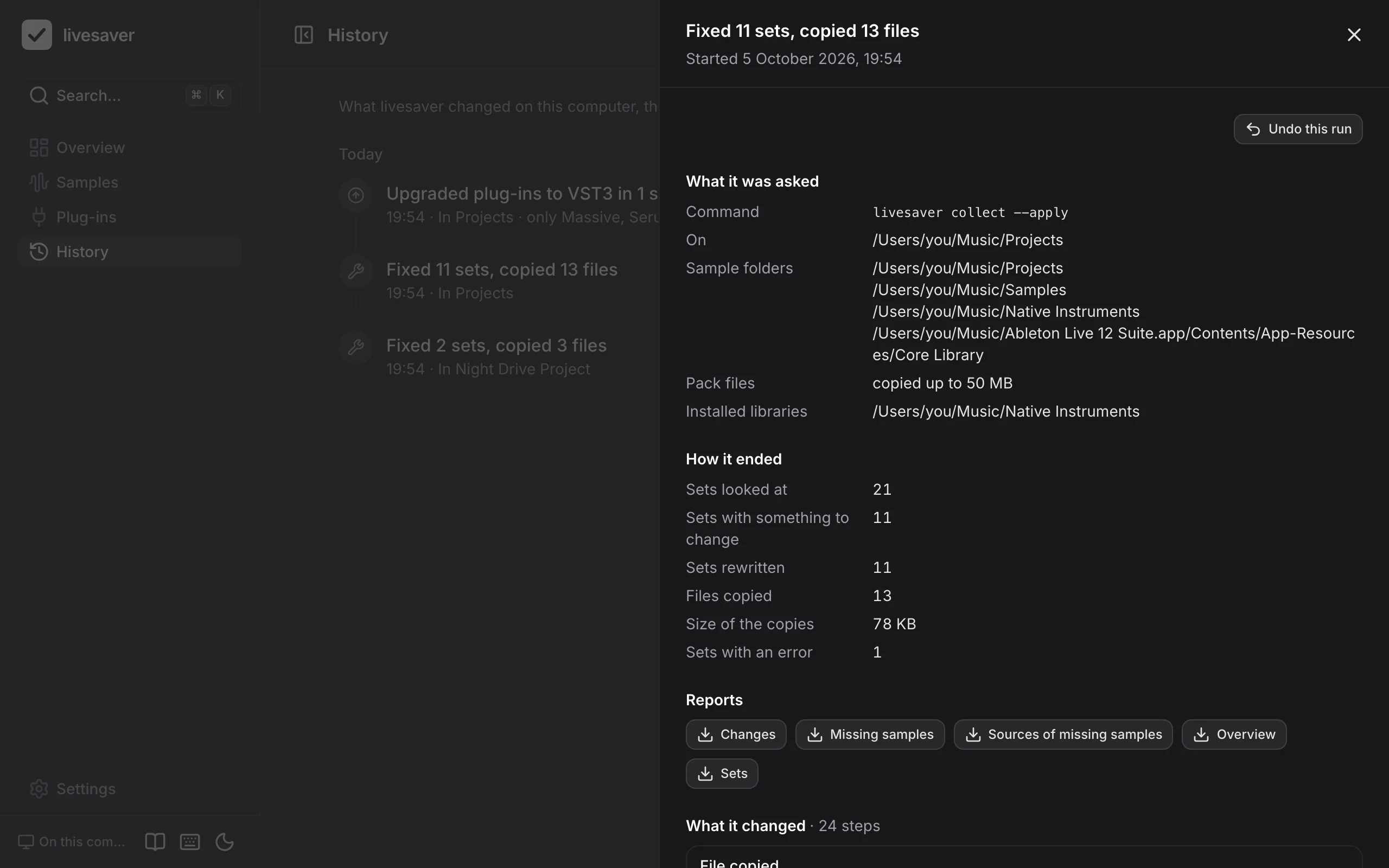
Open a run to see it in full:
- what it was asked: the folders, the options, and the command line that does the same;
- how it ended: how many sets it looked at, rewrote, and how many files it copied;
- its reports, to download;
- every step: each file copied, each set rewritten, with its backup.
Undo
An undo takes a run back:
- Every set the run rewrote goes back to what it was, from the original livesaver kept, with the date it had.
- Every file the run copied is moved to the Trash, unless a set that was changed since the run uses it.
- A set that was changed since the run, by you in Live or by anything else, is left alone and reported. Your newer work is never overwritten.
Nothing is deleted: what an undo removes is in the Trash. Live has to be closed, as for a fix. An undo cannot itself be undone; to have the fix again, fix again.
Where to find it:
- in the result of a fix or an upgrade,
- on the overview, which offers to undo the last fix, also after you closed the app,
- in the History, for every run. There it asks first, and says what the undo will do.
Reports
Every run writes its reports as files, which you can download from the run or from the overview:
| File | What it lists |
|---|---|
overview.md | the summary: sets, references by state, sources |
changes.csv | every change: the set, the sample, where it was and where it is now, how it was found |
missing_samples.csv | every sample that stays missing, and the sets that use it |
missing_sources.csv | where the missing samples came from, with what to do |
projects.csv | every set with its numbers |
The CSV files open in Excel and Numbers.
Where livesaver keeps this
Runs lie in ~/Library/Application Support/livesaver/runs, one folder each: the reports, the journal of its steps, and the originals of the sets it rewrote. Settings shows the folder in Finder.
livesaver never removes a run. If you remove one yourself, it can no longer be undone.
The same on the command line
# every run, with what it did
livesaver runs

# take one back
livesaver undo <run>
Plug-ins
Live finds a plug-in by its format and its id, never by its name. livesaver reads which plug-ins your sets use and compares them with what is installed, the way Live does, so you know before you open a set what will be missing in it.
In the browser
The app also runs on its own, as a page in your browser. It reads the folders you give it and changes nothing: good for a first look, or on a computer where you cannot install anything. In Chrome and Edge it can also fix samples and upgrade plug-ins, if you switch that on: see Fixing in the page.