Guide
Getting started
livesaver finds the samples your Ableton Live sets have lost, collects them into their projects, and shows which plug-ins are missing. This page takes you from nothing to your first scan.
Two ways to use it
| In your browser | On your computer, with livesaver web | |
|---|---|---|
| Scan samples and plug-ins | yes, in every browser | yes |
| Fix missing samples | in Chrome and Edge, once you let the page edit your project folder | yes, with backups and undo |
| See which plug-ins are installed | once you show the page their folders | yes |
| Upgrade VST2 plug-ins to VST3 | in Chrome and Edge, as for a fix | yes, with undo |
| History and undo | of what that browser fixed | yes |
| Checks that Live is not running | no: you quit Live before a fix | yes |
| Install something | nothing | livesaver |
Both are the same app. In a browser it reads the folders you hand it, and writes only into a project folder you let it edit; with livesaver behind it, it reads your disk itself and writes for you. See In the browser for what a page can and cannot do.
livesaver is made and tested on macOS. It also runs on Windows, which is new and not yet tried by a person: see livesaver on Windows.
Try it in your browser
- Open the app.
- Give it the folder with your projects: choose it, or drop it on the page.
- Add the folders your samples are in. Worth adding:
Music/Abletonin your home folder (your User Library and the Factory Packs),- the Ableton Live app itself, dropped on the page (it holds Live's Core Library),
/Users/Shared, if you have libraries from Native Instruments.
On Windows these folders have other places: the page names them, and so does livesaver on Windows. - Press Scan.
Nothing is uploaded: the page reads the files where they are, and asks no server for anything.
Install livesaver
livesaver needs macOS or Windows (see what is tested there), and either Bun 1.3 or newer, or Node.js 22.13 or newer.
livesaver 0.1 is in preparation and not on npm yet. Until it is, run it from its source:
git clone https://github.com/Polobase/livesaver.git
cd livesaver
bun install
bun run build
bun run livesaver web
Once it is published, npm install --global livesaver installs the livesaver command, and everything on this site that says livesaver … works as written. From the source, write bun run livesaver … instead.
The first scan
livesaver web
opens the app in your browser, at http://127.0.0.1:5483/. It already knows where your User Library, your packs and Live's Core Library are: it reads that from Live's own settings.
- Add the folder with your projects, if it is not there yet.
- Press Scan your library.
A scan changes nothing. It reads every set once, its samples and its plug-ins; a library of 876 sets takes about 13 seconds.
What the overview tells you
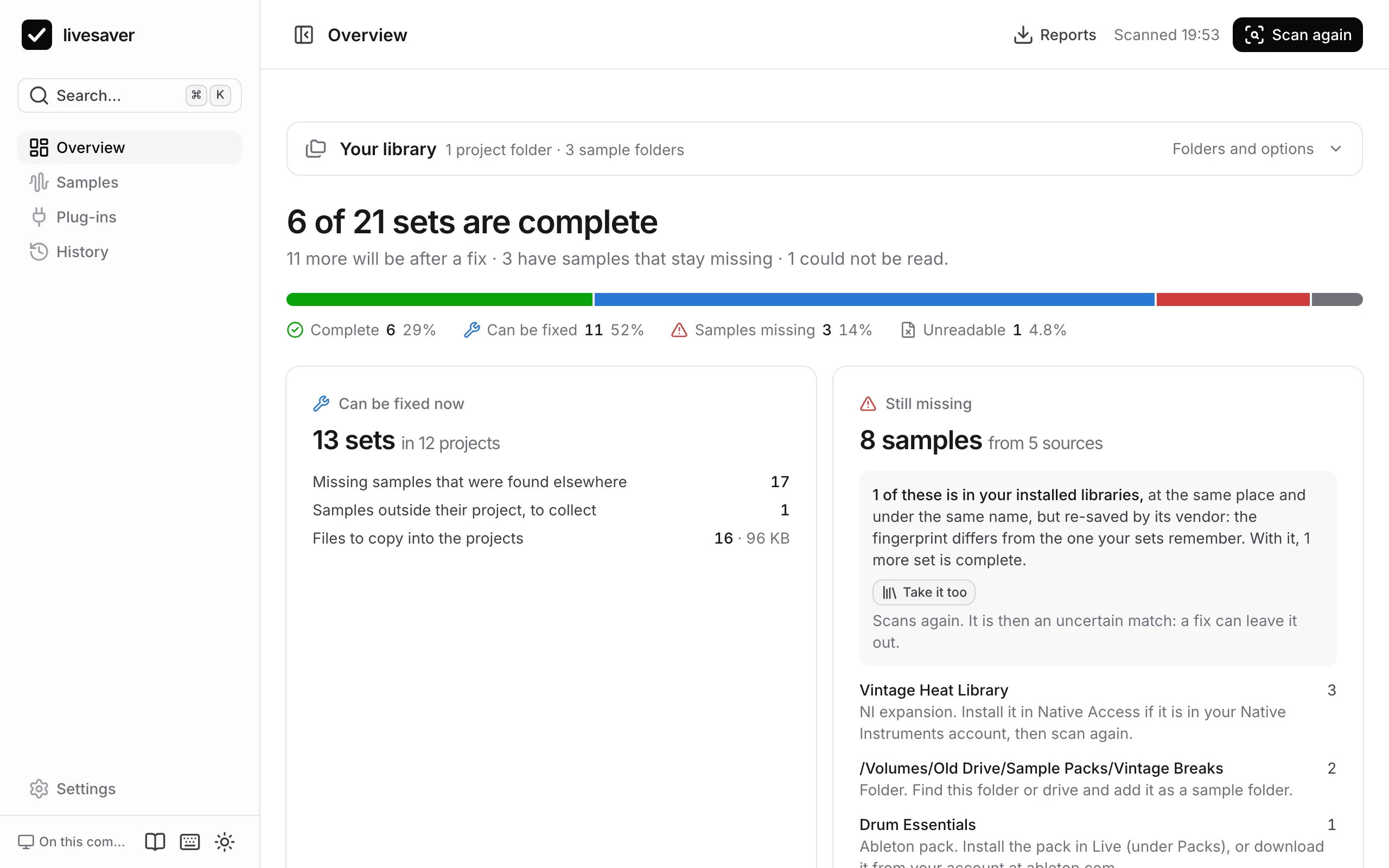
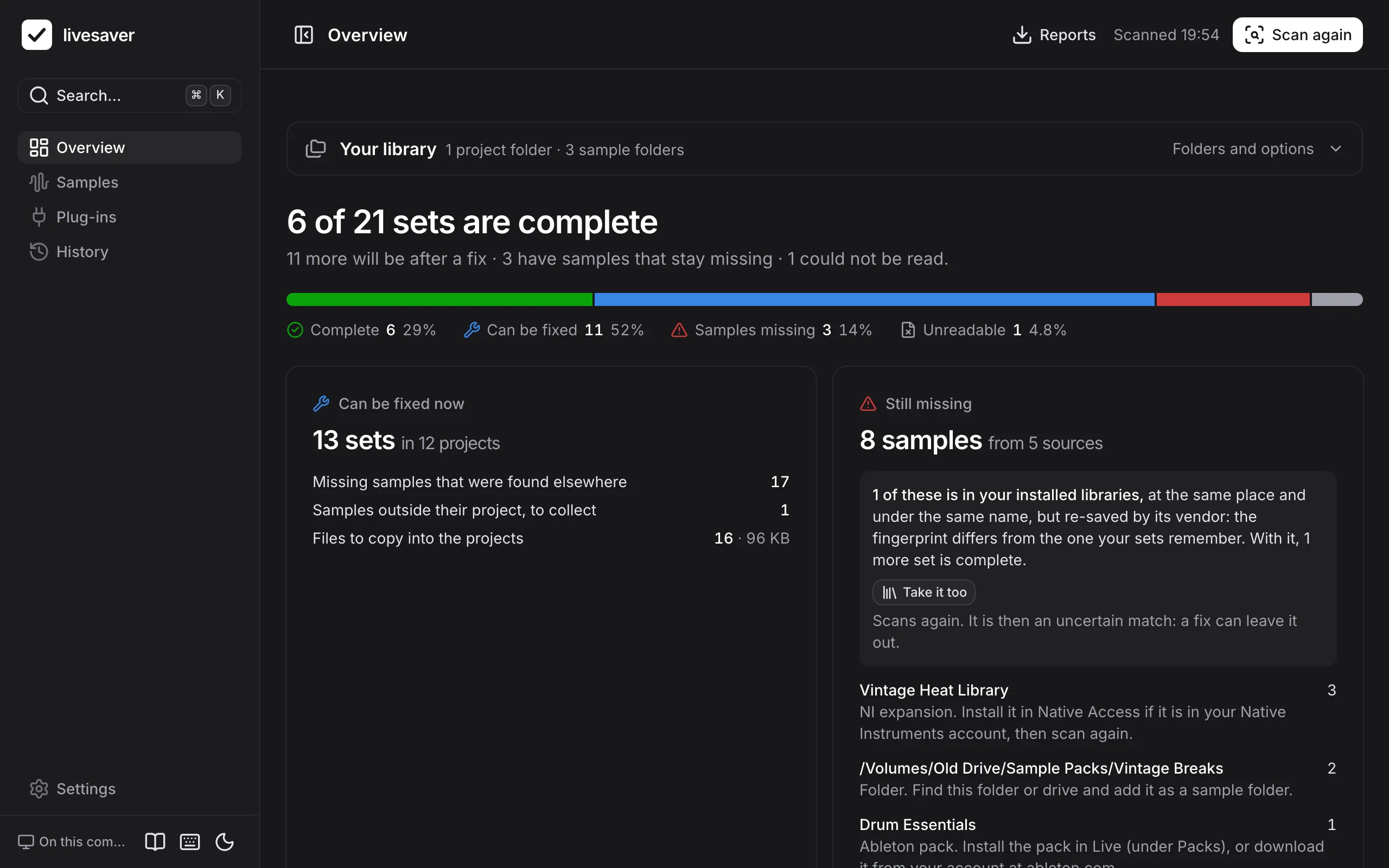
- How many sets are complete, how many a fix would complete, and how many have samples that stay missing.
- Can be fixed now: what a fix would do, before you decide anything. See Fix missing samples.
- Still missing: the samples no folder had, by where they came from, each with what to do. See When samples stay missing.
- Plug-ins: which are not installed, which run only under Rosetta, and which can be upgraded to VST3. See Plug-ins.
Nothing is written until you have seen what will change and said yes, and every fix can be undone.