Free and open source · macOS and Windows
Your Live projects, complete again
livesaver finds the samples your Ableton Live sets have lost, collects them into their projects, and shows which plug-ins are missing: for your whole library at once, without opening Live. Every change is shown first, backed up, and can be undone.
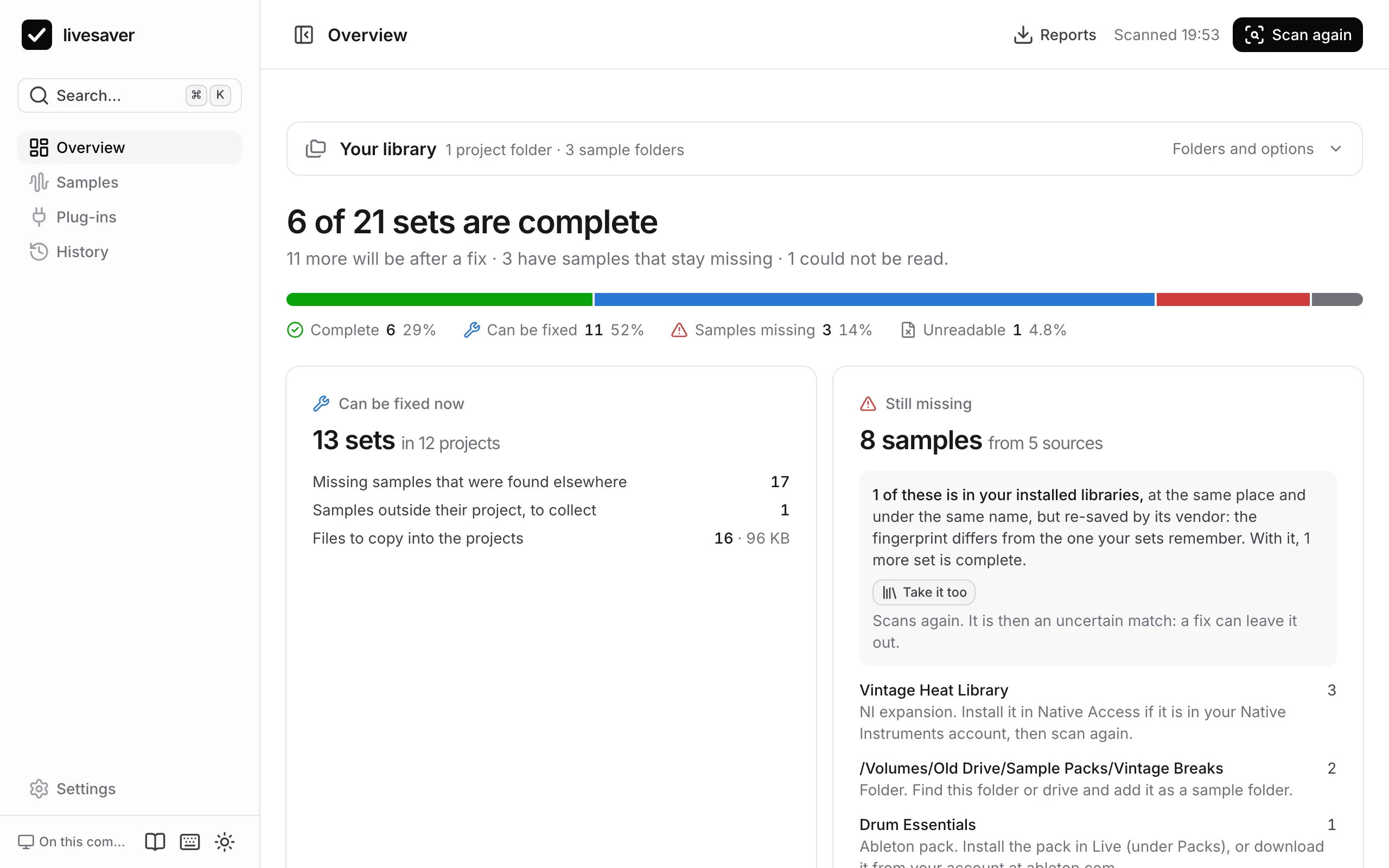
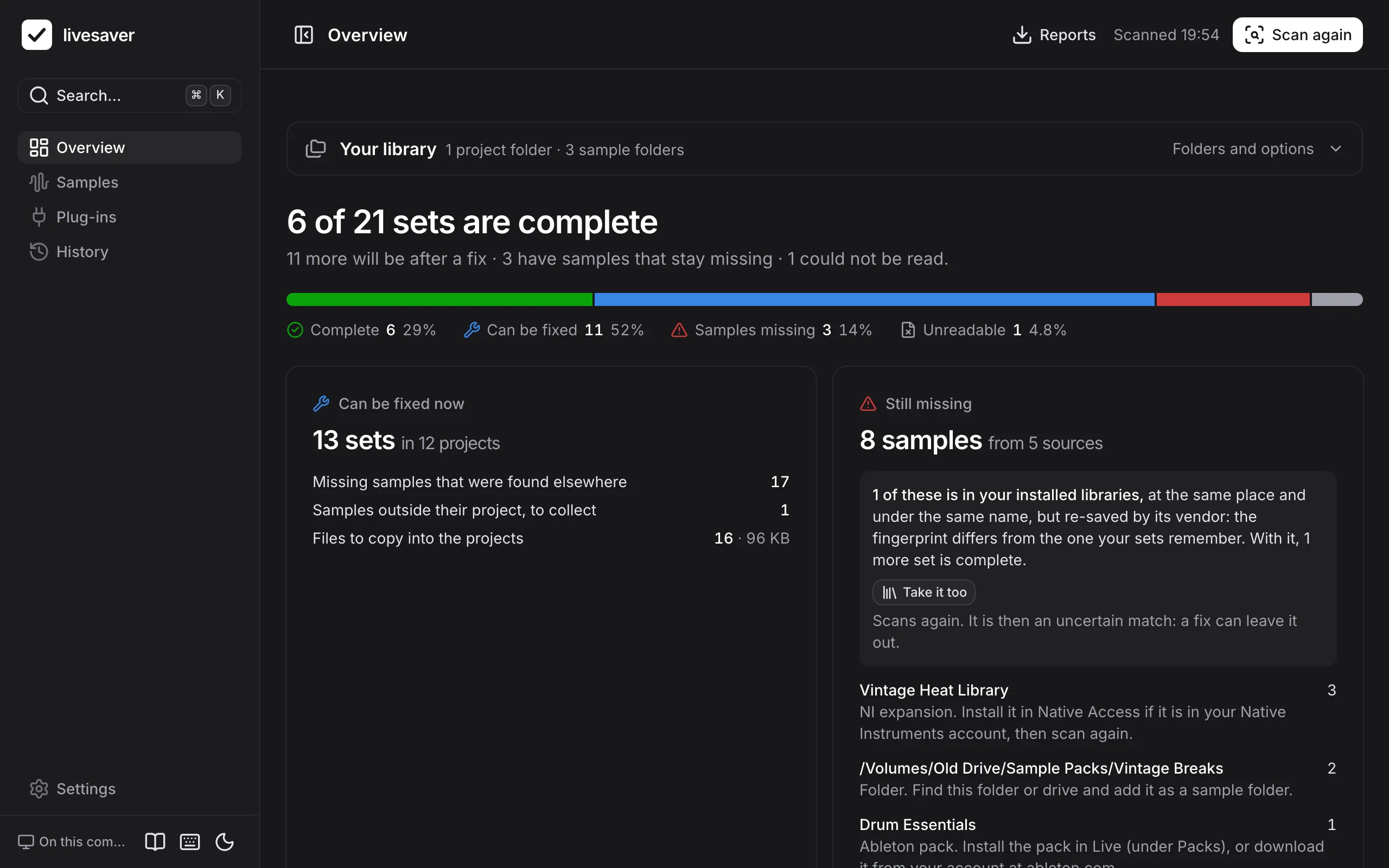
The app in your browser scans and shows everything, and fixes in Chrome and Edge. With livesaver on your computer it fixes in every browser.
Made and tested on macOS. Windows is new and only tested on macOS so far: what that means.
Three steps, and nothing happens behind your back
“Media files are missing” in one set is a nuisance. In a library that has moved between drives and computers, it is hundreds of sets. livesaver handles them all at once, and shows you everything first.
- 1. ScanOne scan reads every set of your library, its samples and its plug-ins. 876 sets take about 13 seconds, and a scan changes nothing.
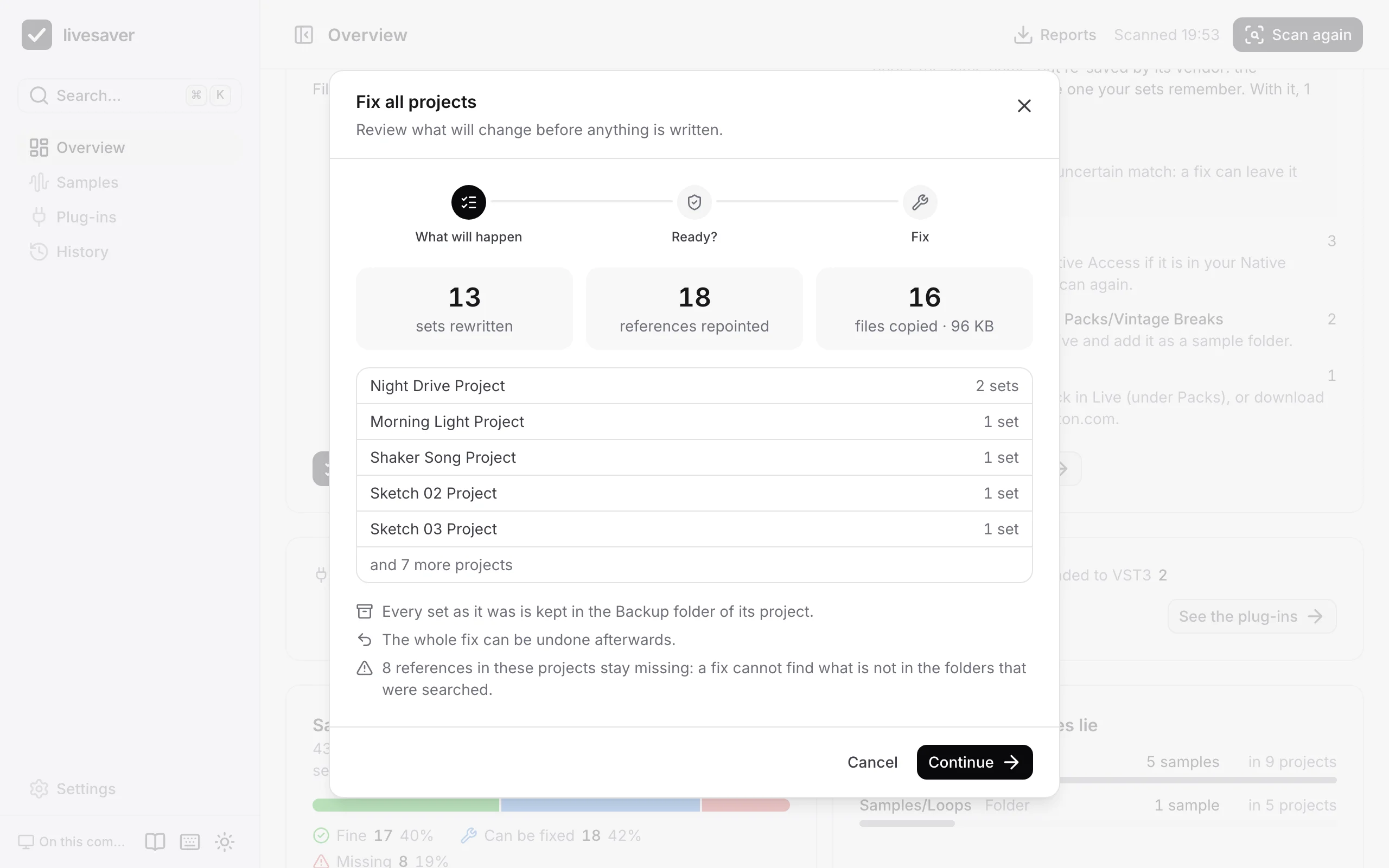
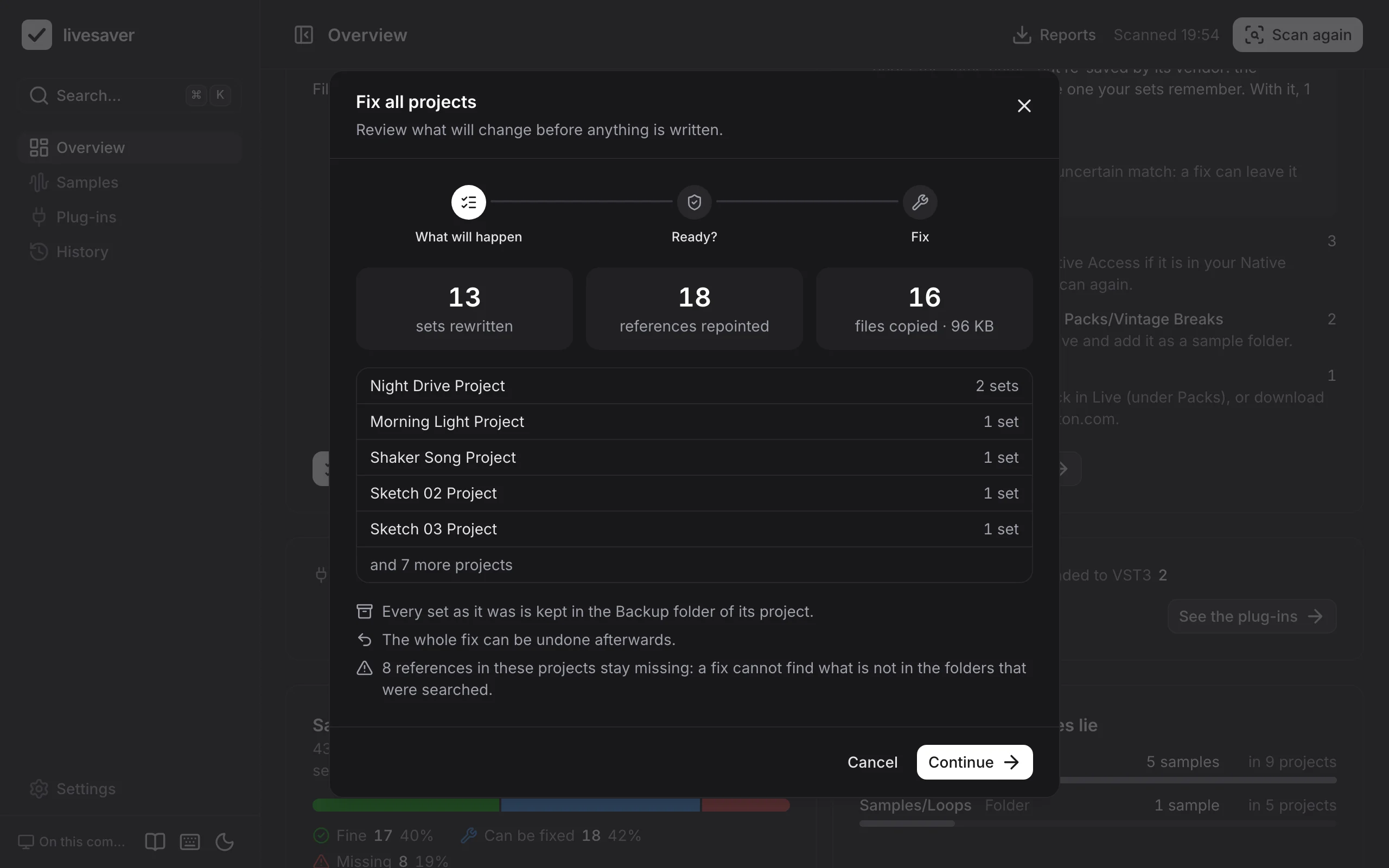
- 2. ReviewYou see what a fix would do before anything is written: which sets are rewritten, which files are copied, which matches are uncertain.
- 3. Fix, and undolivesaver does what Collect All and Save does, for every project at once. Each set is backed up first, and a fix can be taken back, also weeks later.
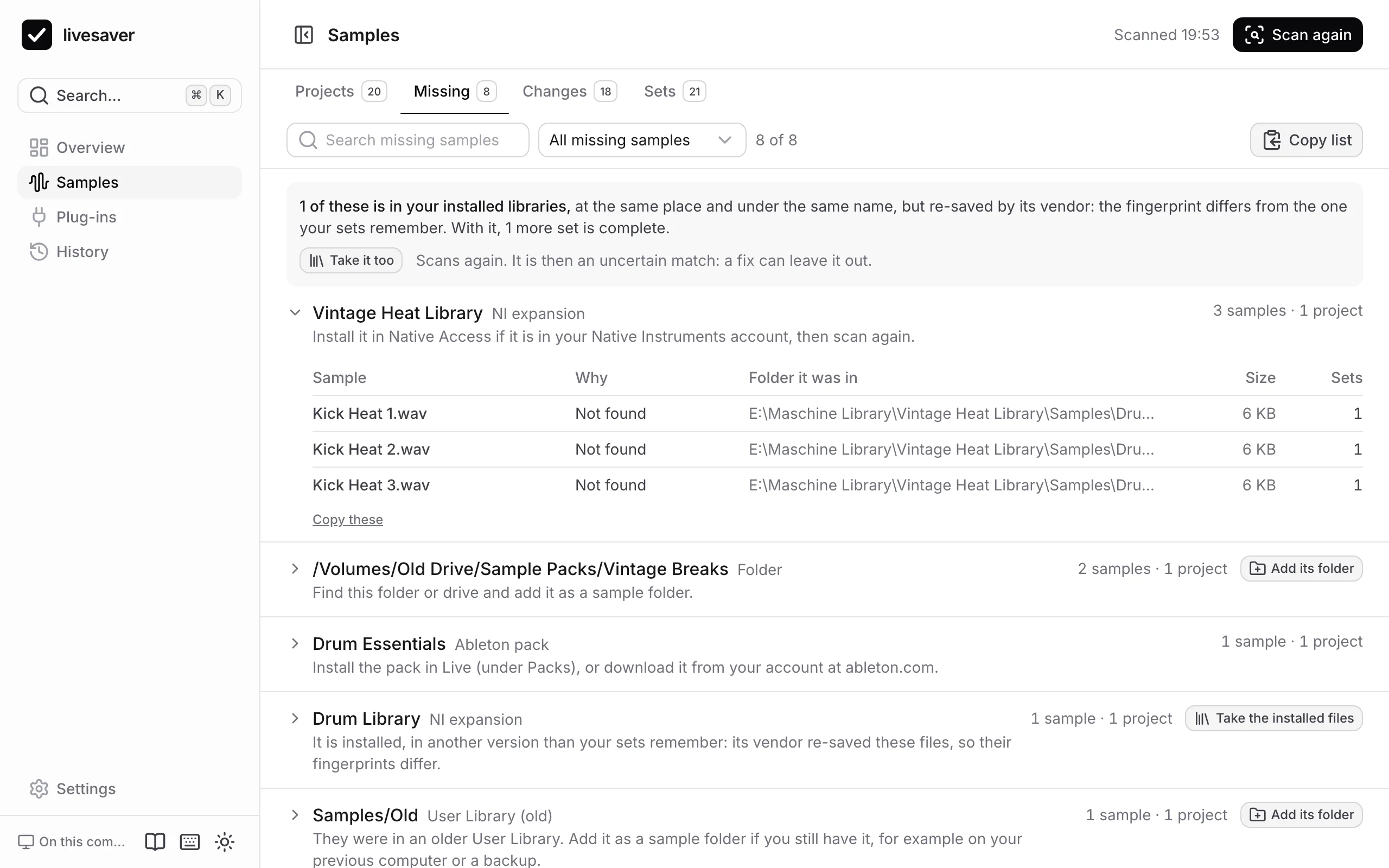
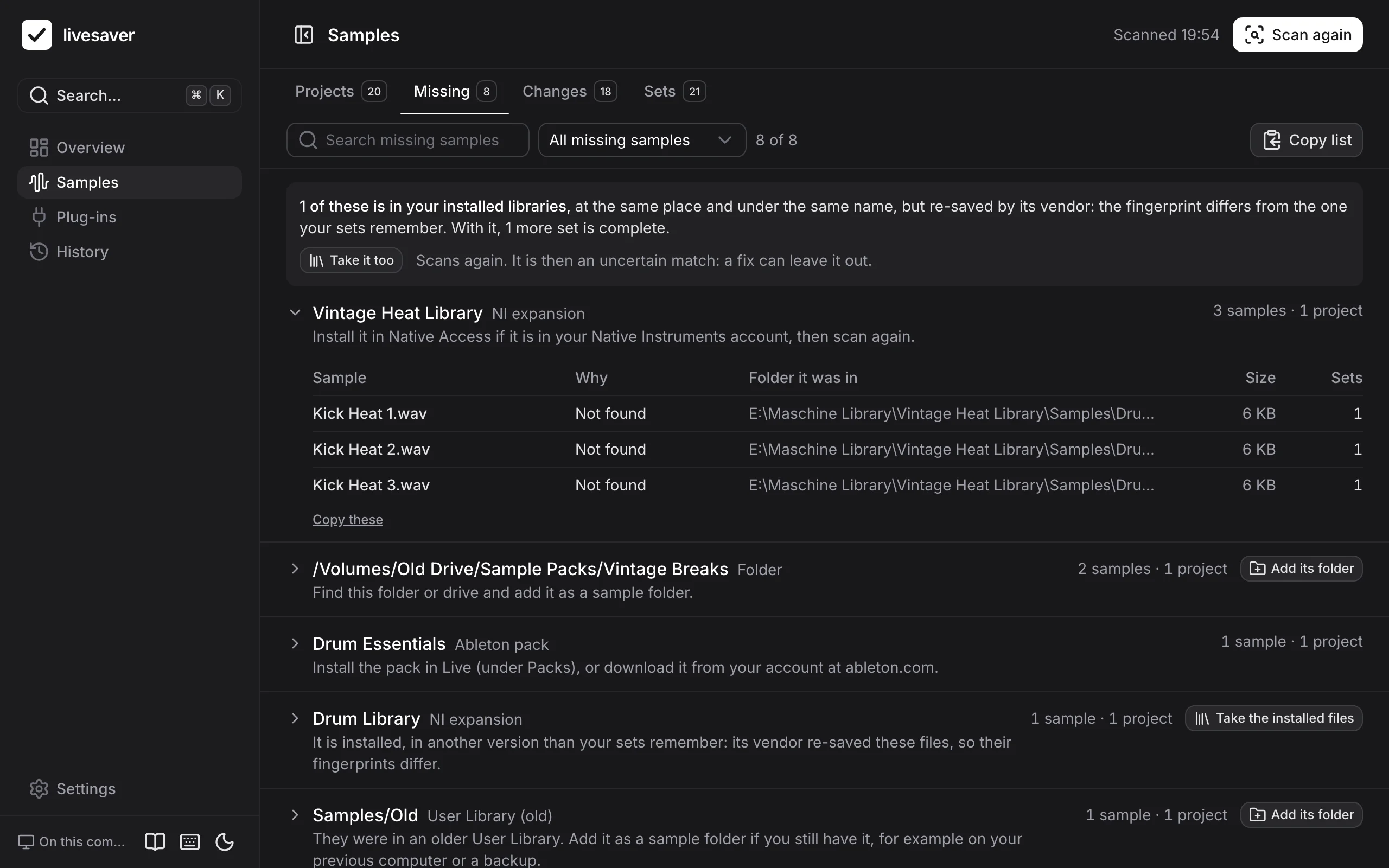
Missing samples, found again
Live looks for a sample where the set says it was. livesaver looks for the sample itself.
- Found by what they areA set remembers the size and a checksum of every sample. livesaver computes the checksum as Live does, and finds a file wherever it lies now and whatever it is called.
- Collected into the projectSamples from elsewhere are copied into the project, and the set points at the copies: the project is complete, and stays complete when you move it.
- Uncertain matches are yours to decideWhere a file fits by name and place but its fingerprint does not confirm it, livesaver says so. Leave those out with one switch.
What stays missing, and what to do about it
A fix can only find what is in the folders it searches. The rest is not a long list of file names, but a short list of sources.
- A pack, an expansion, an old driveWhat no folder had is grouped by where it came from: an Ableton pack, a Native Instruments expansion, an older User Library, a drive that is gone.
- Each with what to doInstall the pack again, plug in the drive, add the folder that has the files. Then scan again: what the folder has is found.
Plug-ins: know before you open the set
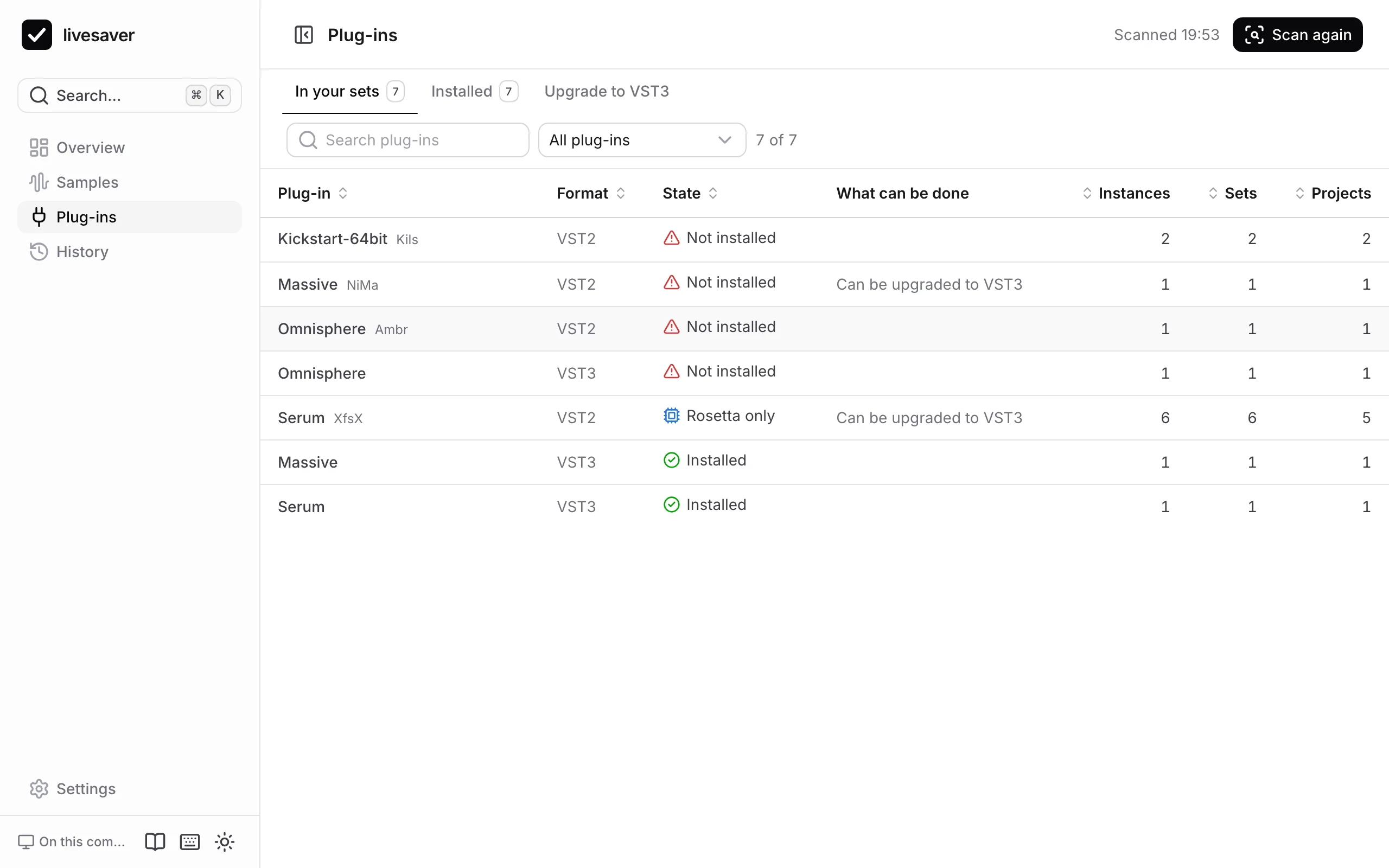
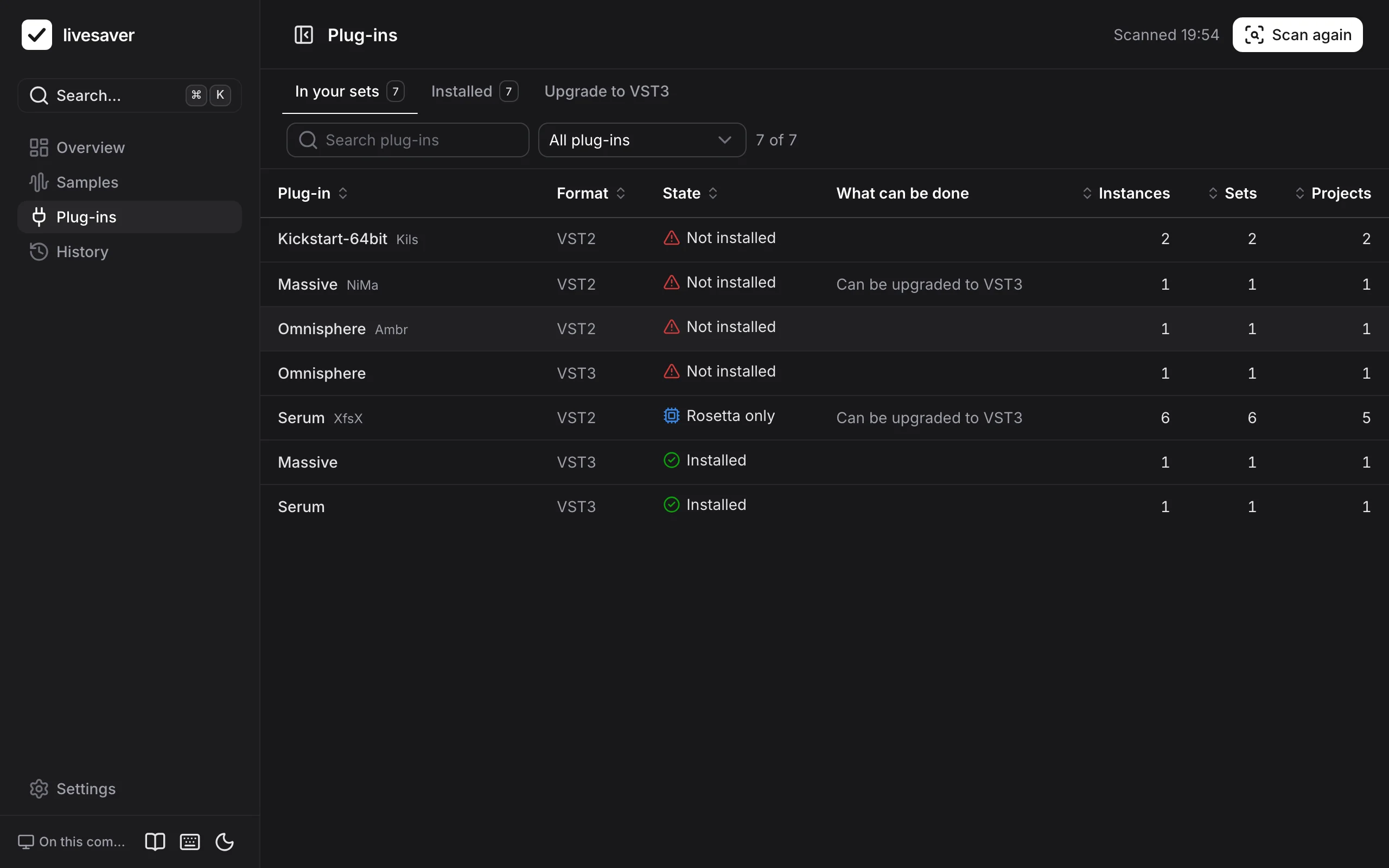
Live finds a plug-in by its format and its id, never by its name. So does livesaver.
- Missing, before you open the setEvery plug-in your sets use, compared by format and id with what is installed, the way Live does it.
- Rosetta onlyOn a Mac: which plug-ins still contain only Intel code, which sets depend on them, and whether a native version is installed in another format.
- VST2 to VST3Switch your sets from a VST2 plug-in to its VST3, keeping the sound, for plug-ins where that is verified. Reviewed first, and undone if you wish.
A history you can take back
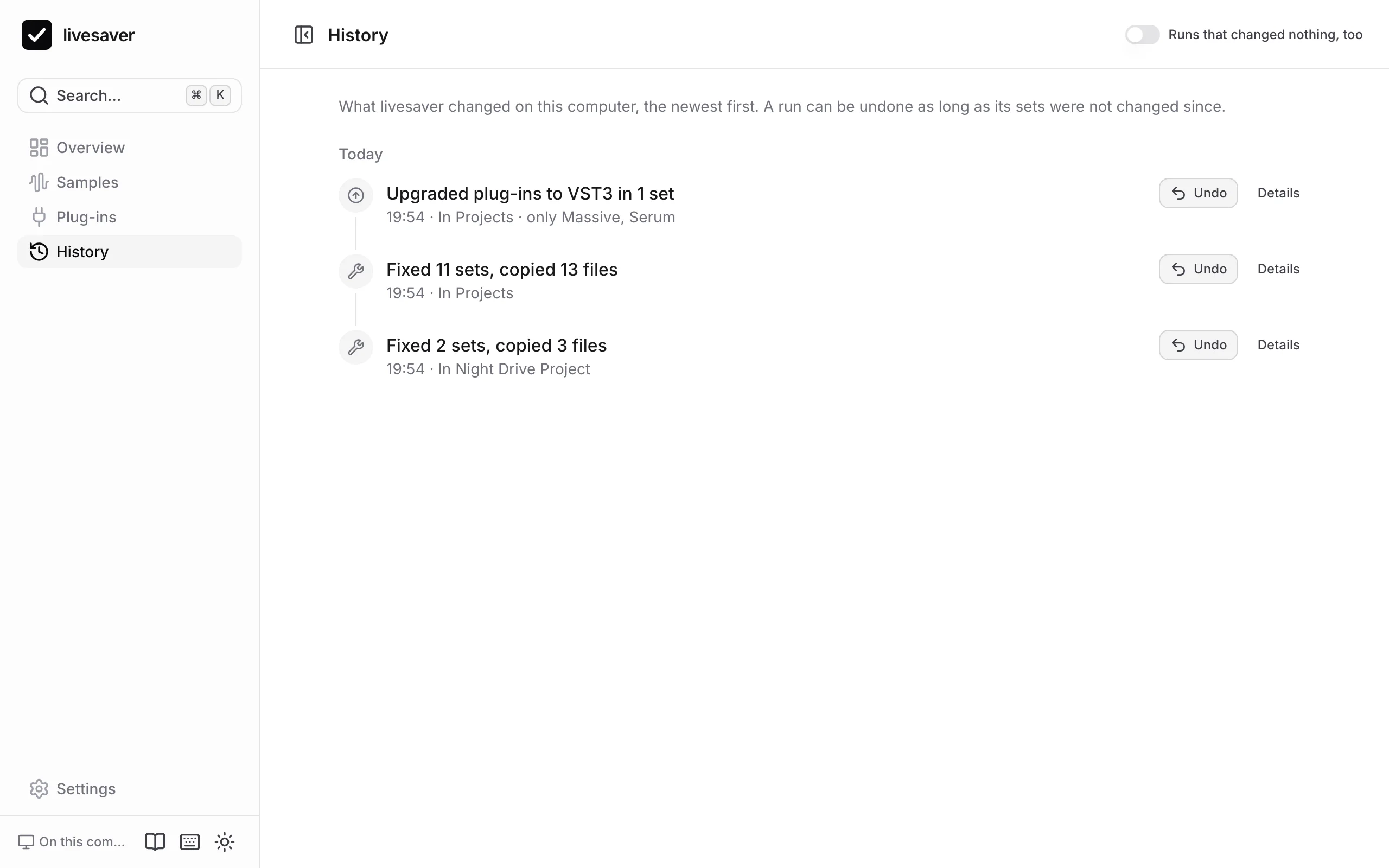
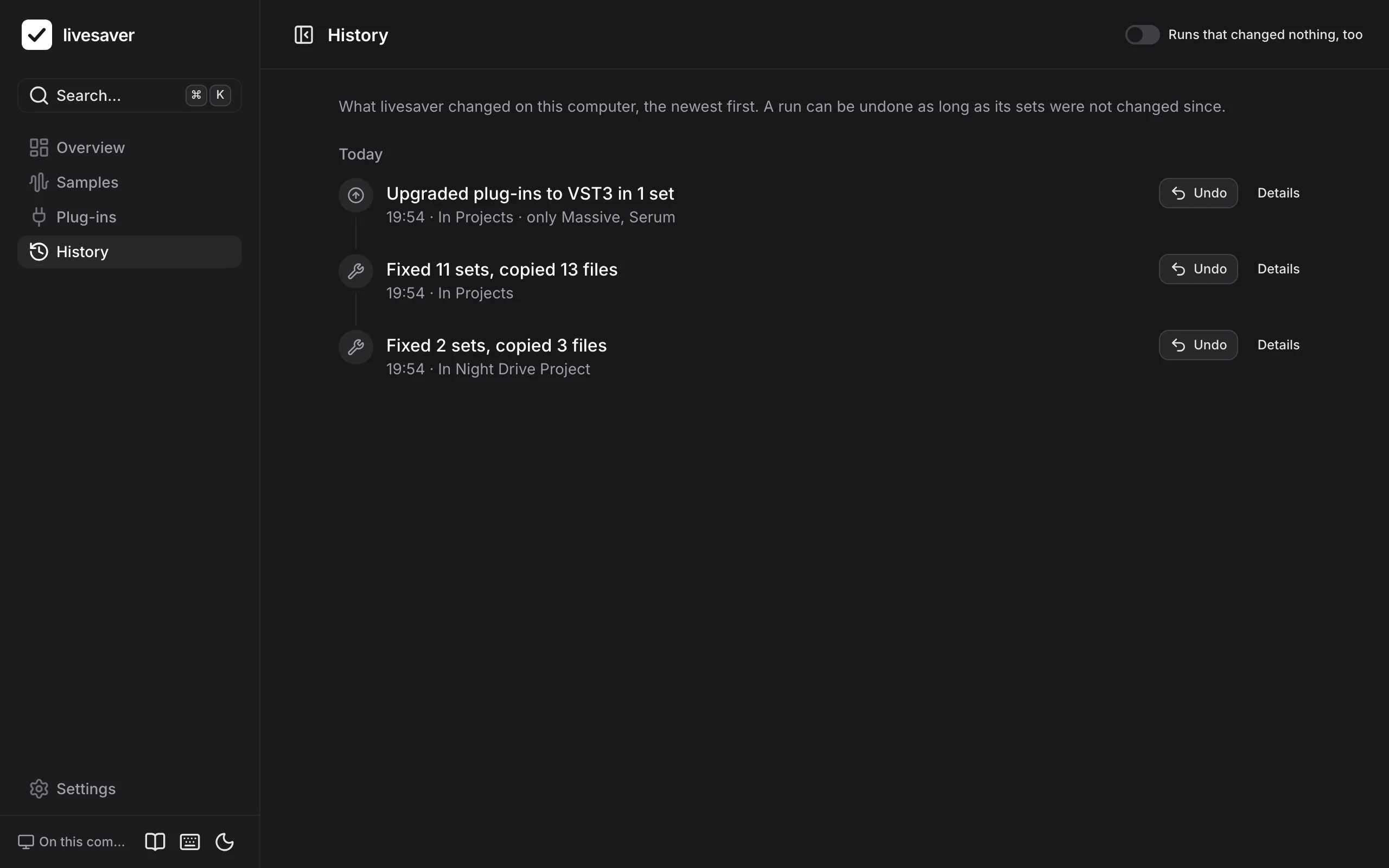
Everything livesaver changes is written down as a run, with the original of every set it rewrote.
- Every run, with every stepWhat was asked, which sets were rewritten, which files were copied, and the reports to download.
- An undo that respects your workSets go back to what they were, copies go to the Trash. A set you changed since is left alone.
Careful with your work
livesaver edits the files your music lives in. These are the rules it keeps.
Only the bytes that must change
A set is never read into a model and written out again. A reference is replaced; everything else stays exactly as Live saved it.
A backup beside every set
In the project’s Backup folder, named as Live names its own. The original is kept by livesaver as well, for the undo.
Never while Live runs
A set that is open in Live is not rewritten under it. livesaver checks, and waits for you to quit Live.
Nothing is deleted
What an undo removes goes to the Trash (on Windows, to a trash folder of livesaver’s own). Nothing is ever removed for good.
Nothing leaves your computer
No account, no statistics, no requests to any server. The app talks only to the livesaver on your own computer.
Tested on real sets
Against sets that Live itself saved, and read-only on a real library: 13,000 Live files read and written back without a changed byte.
Two ways to use it
The same app, in two places. What it cannot do where it runs is said there, not hidden.
In your browser
Nothing to install. Hand the page your project folder and your sample folders; it reads them where they are.
- Scans samples and plug-ins, with all tables and reports, in every browser
- Fixes samples and upgrades plug-ins in Chrome and Edge, once you let the page edit your project folder: with backups, and an undo in that browser
- Knows your installed plug-ins when you show it their folders
- Safari and Firefox only read. No browser lets a page see whether Live is running: you quit Live before a fix
On your computer
With livesaver behind it, the app reads your disk itself and writes for you. One command opens it.
- Everything the browser does, in every browser, with no folder to hand over
- Fixes all projects, a selection or one, with backups and an undo that is kept on your disk
- Checks that Live is not running, and finds your installed plug-ins by itself
Windows: built, and only tested on macOS so far
livesaver is made and tested on a Mac. On Windows it reads and writes paths with drive letters, knows where Ableton keeps its folders there, and writes nothing while Live runs: that follows what Ableton documents and how sets saved on Windows store their files. Our automated tests run the command line on a Windows machine (a fix and its undo on sets that Live saved), but no one has tried it on a Windows computer with Live yet. Try a fix on a copy of a project first, and tell us how it went.
And a command line
Everything the app does, the livesaver command does too, and more: project status as Finder tags (on a Mac), a catalog of your sets to search, and codemods that change many sets at once.
- # what is missing, what a fix would dolivesaver doctor ~/Music/Projects
- # the fix, for every projectlivesaver collect ~/Music/Projects --apply
- # take it backlivesaver undo <run>
- # missing, Rosetta only, unusedlivesaver plugins audit ~/Music/Projects
- # search your setslivesaver find plugin:serum bpm:120..128
What we learned about Live’s files
How a set stores a sample, what Live’s checksum is, how plug-ins are told apart, where Live keeps its own lists: written down with sources, for anyone who builds tools for Live.
See what your library is missing
A scan takes seconds and changes nothing.